Device and Mobile Management Services
Home » Device and Mobile Management
Manage devices, work apps and company access
ServiceJi helps businesses manage company computers, laptops, phones and tablets throughout their working life. We set up supported devices, apply agreed security policies, manage work applications and carry out authorised actions when equipment is lost or an employee leaves.
Buying management software does not by itself establish a working service. Devices need the right enrolment, policies must suit the way people work, and somebody must follow up when a device falls outside the required settings. We provide implementation and ongoing administration around your chosen platform.
Our mobile device management services can sit alongside your internal IT team or form part of a broader managed IT service. We agree which devices, users and actions are covered before rollout.
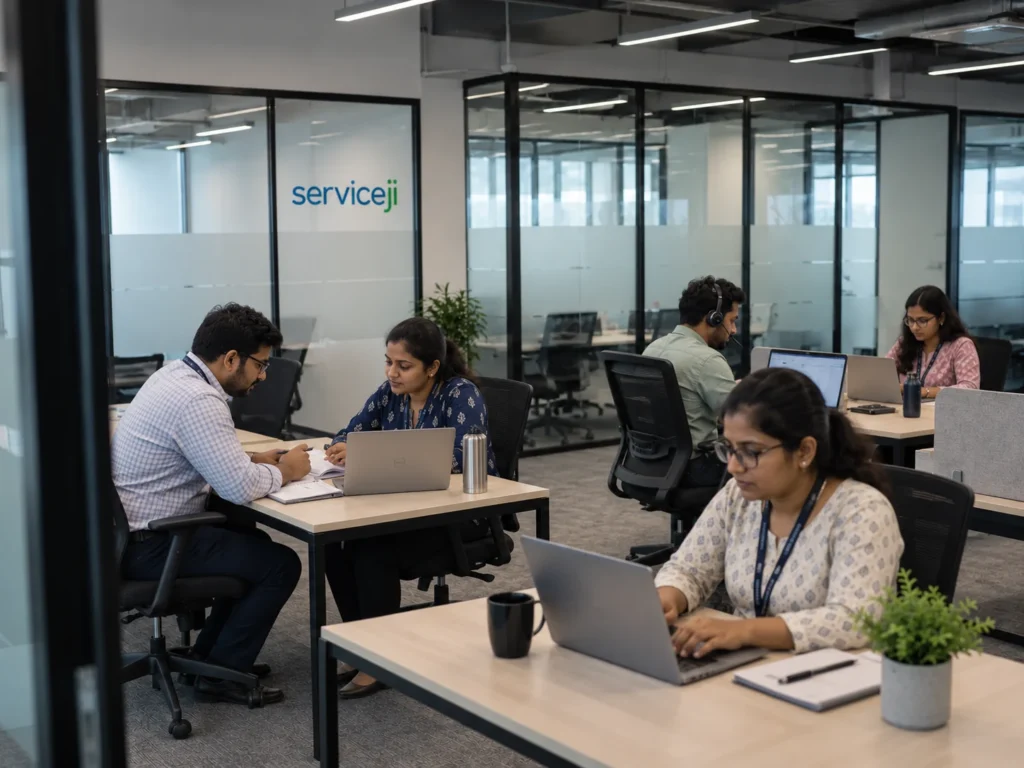
Device management from setup to offboarding
Enrolment and inventory
Record agreed devices, ownership and platform details, and enrol supported equipment in the selected management tools. We check existing licences and management arrangements before recommending additional software.
Security settings and device status
Apply supported passcode, encryption and configuration policies, review available compliance and update information, and follow up on exceptions within the agreed scope.
Work applications and profiles
Deploy and configure supported business applications, accounts and profiles. App-level controls depend on the application, operating system and enrolment method; these are validated for your environment.
Laptop and computer administration
Remote management can include configuration, patch checks, application deployment and endpoint-protection administration. We agree which tasks are automated and which require an engineer or approval.
Mobile device management for company and personal phones
Company-owned equipment and personal devices require different approaches. Supported company phones may allow stronger restrictions, remote actions and management that persists through a reset. Personal phones are normally managed through an agreed work profile, managed apps or account controls designed to protect business information while preserving personal content.
We confirm your iPhone and Android mix, ownership, operating-system versions and business applications before selecting the management approach. Supported Windows and Mac devices can be included in the wider endpoint-management scope.
Choose the right level of control
Company-owned devices
For business-owned equipment, we assess the enrolment approach that provides the required controls over configuration, applications and supported remote actions. A phone issued for a single work purpose may need different restrictions from a laptop used by a travelling employee. We agree the policy before applying it to the fleet.
Personal devices used for work
For bring-your-own-device arrangements, the starting point is the business information and applications that need protection. We explain what the company can manage, what the user must do and which personal content remains outside the service. Where a device cannot support the required separation, we identify an alternative approach.
Shared and specialist devices
Shared tablets, front-desk devices and single-purpose equipment need their own assessment. User identity, app licensing, sign-in behaviour and recovery procedures can differ from individually assigned equipment. These requirements are checked before recommending a management configuration.
Policy management after the initial setup
A device estate changes as operating systems are updated, applications change and employees move roles. Ongoing management includes reviewing available status information, investigating agreed exceptions and updating configurations through an approved change process.
We can help identify devices that have stopped checking in, applications that have not installed successfully and settings that do not meet the agreed policy. Some issues require the user to reconnect the device or complete a local step. We record these dependencies so an outstanding action is visible.
Where possible, significant policy changes are tested on representative equipment before wider deployment. The aim is to protect business access without unnecessarily disrupting legitimate work.
Employee leavers and lost devices
On a verified request from an authorised contact, we remove access to agreed company accounts and perform the supported device actions. These may include remote lock, removal of managed work data or an approved company-device wipe.
A screen lock alone does not remove every form of access. We check account permissions as well as device actions, record the outcome and flag anything pending, including commands waiting for an offline device to reconnect. Full-device wiping requires explicit approval after its data-loss consequences are explained.
Microsoft Intune setup and ongoing management
Microsoft Intune can provide a management platform for supported endpoints, security policies and work applications. ServiceJi can help plan deployment, configure the environment, enrol devices and administer it after rollout. We assess standalone licences, existing entitlements and suitable alternatives against the controls you need.
Management software and hands-on remote assistance are different capabilities. Screen viewing or remote control depends on the device, platform and licences and is confirmed separately.
What implementation involves
We review the device estate, agree policies and authorised actions, then test representative devices before rollout. Some company-owned enrolment methods require supervision, business-device registration or a factory reset. We agree data-preservation steps, user involvement and expected interruption before starting.
Pricing reflects device and user quantities, ownership mix, platforms, required controls and support coverage. Setup and recurring management charges are explained separately from software licences.
A practical rollout plan for your team
We start with device ownership, platform versions, existing management tools and the work applications people actually use. We then agree a baseline policy, approval contacts and the response required for lost equipment or leavers. This avoids discovering after rollout that an expected action is not supported.
A pilot checks enrolment, application delivery and the required remote actions on a small representative group. We use the results to prepare user instructions, plan any resets and schedule the wider rollout. Existing equipment can require more preparation than new devices, especially where personal and business information are mixed.
At handover, the service should have an agreed inventory, a record of policies, clear request routes and a list of any devices still awaiting action. As you add users, we confirm the enrolment work and adjust the agreed service and licences.
What affects the cost of device management?
The quote depends on the number of managed users and devices, platform and ownership mix, existing licences, required applications and the amount of preparation needed. Initial deployment and ongoing administration are separate activities and should be visible in the proposal.
A licence may cover several devices or require a particular user entitlement; device count alone does not settle the subscription requirement. We check the applicable licensing before recommending additional purchases. Specialist remote-support tools and wider security features may require separate subscriptions.
Discuss your device estate with ServiceJi. A rough device count, iPhone/Android and Windows/Mac mix, and a description of the controls you need are enough to begin.
Questions about device and mobile management
Can you stop users resetting company phones?
Supported company-device configurations can restrict factory resets through settings and prevent ordinary removal of management. Automatic enrolment can help restore management after a reset where supported. We validate the actual controls and do not promise that every recovery-mode reset or physical bypass can be prevented.
Can you remove business data from personal phones?
Supported work profiles and managed apps can allow removal of business data while preserving personal content. Data outside the managed area may not be removable, so we test the work apps and configuration first.
Can you remotely lock every computer and phone?
Available actions differ by operating system, enrolment, permissions and connectivity. We document what works for your agreed devices and distinguish locking from blocking sign-in and revoking company access.
Can we add users and devices later?
Yes. We confirm any additional enrolment work, management scope and licence requirements as your estate grows.
Explore related services
Managed IT Support | Managed Backup and Recovery
For wider platform requirements, explore our cloud managed services and application support.
Contact
Let's get some pricing to you
India
808 & 809, Lodha Supremus 2, Road No. 22, Thane West, Maharashtra, India 400604.
UK
75 Shelton Street, Covent Garden, London, WC2H 9JQ
Phone
London | Mumbai: +44 207 660 4242
New York: +1 315 400 2172
Support Models
Who we’ve supported